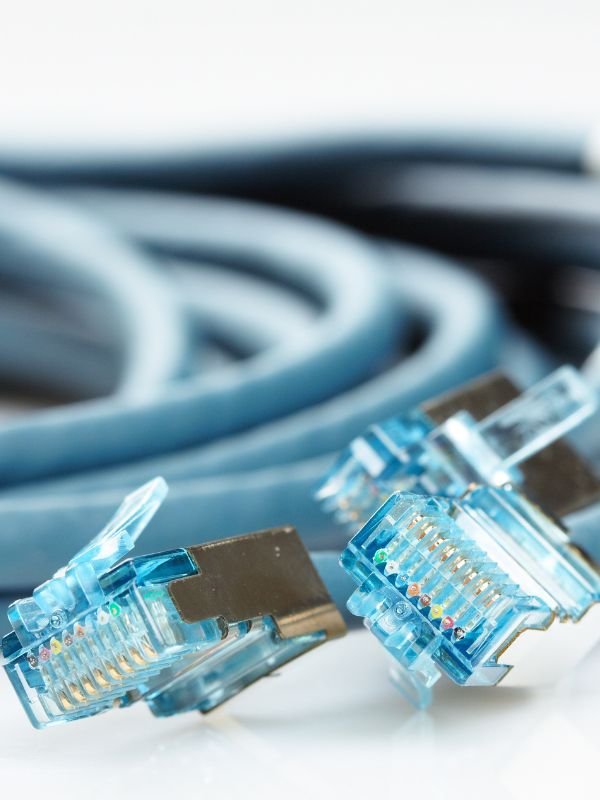
Most businesses today rely on a network connection of some type to complete tasks and manage transactions. Physical ethernet cables can make a significant difference if you typically experience slow internet speeds or have a faulty connection.
More extensive networks can become unwieldy and difficult to manage. Use these tips for keeping your network cables organized.
Color Code Cables
One simple method for managing your network cables is to use colors to highlight their intended functions. By looking at the various hues, network administrators can immediately identify where each cable is supposed to go and what it does. Understanding the ins and outs of color-coding for ethernet cables will allow you to keep your setup organized.
Black cables are the most common and should be used for typical network connections in both commercial and residential settings. Blue-coated cables should be for connecting terminals to the LAN. Red cables are specifically for phones and emergency equipment.
Use a Patch Panel
If you have a lot of devices connected to the network, a patch panel will make it easy to rearrange cables and keep track of what you have set up. A patch panel will allow you to terminate a connection into a single device that can then be used to port together devices through multiple outgoing lines.
Patch panels are helpful for situations where you need to connect multiple computers or access devices outside the network. If you need ethernet patch panels explained further, consult your user manual to ensure you’re using yours correctly.
Measure Length
Keeping your network cables organized can be difficult if the cables are too short. Having enough length will ensure you can patch your cables in wherever necessary. A complicated network may need lines extended throughout the space so they can communicate with available devices. However, if the cables are too long, they can end up degrading the signal.
The best practice when setting up internet cables is to keep the length under 295 feet. Better quality materials can reach further, especially if protected by shielding, but it may take some extra work to get it right. Ensure you’re accounting for any bends or twists in each line so you have enough slack to work with.
Keep Your Network Running Smoothly
In most businesses, a reliable ethernet network is vital for ongoing operations. Accounting for the number of cables you’ll use and where they run is essential for reducing the complexity of maintenance and improving signal quality.
Keeping your network cables organized can take some effort, but with these tips, you’ll have a reliable network that won’t disappoint you.